Clinical Data ETL with Apache Airflow
Break the pipeline on purpose and see which task stops the bad data
A five-task Airflow DAG loads synthetic FHIR-shaped patient, encounter, and condition records into SQLite. Below, the repository's own pipeline code runs in your browser: pick a fault, run the DAG, and check whether the last good database survives. Further down is the latest run of the real DAG under Apache Airflow, recorded in CI.
Synthetic data, proof of concept. Four fictional patients whose conditions use real ICD-10 code values. No PHI, and not a production clinical system.
Run the DAG in your browser
Each task calls the same function, in the same order, as dags/synthetic_clinical_etl.py. The code runs unmodified in Pyodide (Python compiled to WebAssembly) against a SQLite database in your browser's memory. Each fault mirrors a test in tests/test_pipeline.py.
Loading Python in your browser (about 10 MB, first visit only)…
Task logs
Database after this run
View the tables
Run history
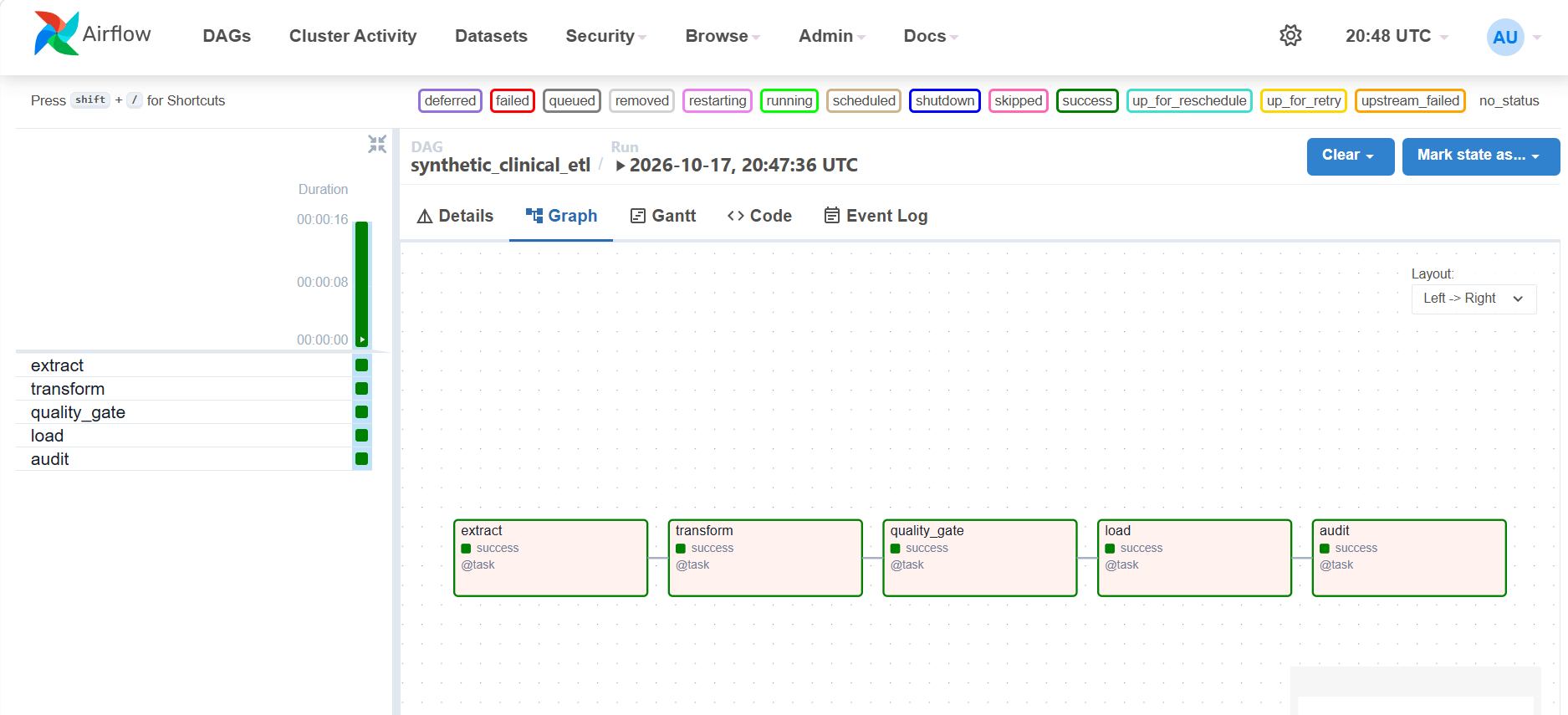
The real DAG under Apache Airflow
On every push to main, GitHub Actions builds the project's Docker image and runs the DAG with Airflow's dag.test(). The site is published only if every task succeeds. This is that run.
Each bar runs from when the previous task finished (for extract, from the start of the run) to when this one finished. dag.test() doesn't record task start times, so each bar includes Airflow's setup for that task.
View the run as a table
How to read this
- Same code, no scheduler. The browser runs the pipeline's functions as the DAG's five tasks. It has no Airflow scheduler, so no retries, XCom, or metadata database. The section above is the real Airflow run.
- Failure states follow Airflow. When a task fails, the tasks after it are marked
upstream_failedand never run. - Bad data never reaches the load. Structural problems fail
transform; broken relationships and duplicates failquality_gate. A storage error duringloadrolls back the whole transaction. - Resets on reload. The browser database lives in memory. Reloading the page starts over with a fresh refresh.
View the DAG code
Loading…